A Practical Look at GPT Image 1.5 AI Image Generator for Fast Visual Work
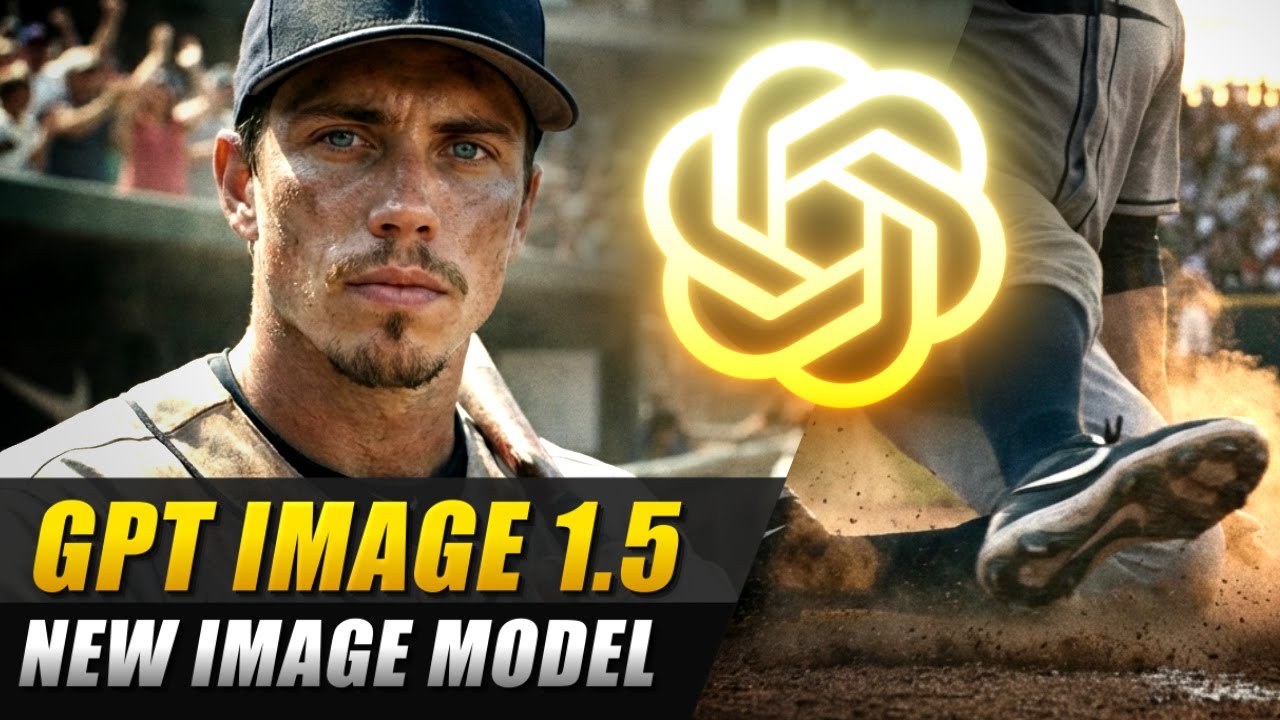
Design, software and time were once necessary to create images. This may involve several steps for simple changes, such as changing text on a poster or adjusting the background. That’s all changed with AI image tools, and GPT Image 1.5 is one of the newer systems designed to reduce that effort even further. GPT Image 1.5 AI image generator follows a clear and straightforward concept. You explain what you want, or upload an image, and the system creates, or modifies, images in a flash. It is designed for high-speed operation, with speed and clarity more important than complex manual control. This article examines how it works in practice and its use in the real, everyday visual tasks.
Text to Image Without Complex Steps
GPT Image 1.5 is primarily designed to create images from simple text. The system generates a visual representation of a user’s description of a scene, object or layout. The most interesting thing about it is its “attention to detail” regarding following the directions. Rather than overlooking information, it aims to incorporate certain information from the prompt. It is helpful for envisioning quick concepts, as it’s not about perfection; it’s about seeing an idea.
Editing Existing Images
The tool is not only for creating images; it can also be used to edit existing images. The user can request a change, such as changing color, deleting an object or changing a small portion of a scene. The important aspect of this is that it does not recreate the entire image. It emphasizes the desired change while maintaining the rest of the image constant. This can be useful if only one section of a visual display requires attention, such as an updated product description or a background fix.
Faster Turnaround for Simple Work
One of the primary reasons for using the GPT Image 1.5 AI image generator is its speed. Users don’t need to wait long for ideas to be visualized, as images can be generated and edited quickly. This is crucial when multiple versions are needed. Users are not required to work on a single design, but can create multiple designs and select the best one. It is a good way to learn to work visually more experimentally.
Better Handling of Text in Images
One of the frequent problems in the past with image generators was the failure to display text within pictures. With GPT Image 1.5, visuals have been enhanced with clearer, more structured text. This can be helpful for posters, social media graphics and presentation slides with text. Saves you from having to correct spellings or redo layouts in outside applications.
Useful for Basic Design Tasks
Mostly, the tool would be used for simple design needs, not for advanced production work. This encompasses posts on social media, short banners and simple marketing images. Users need not construct their own; they can write what they want and have a usable draft generated. Does not provide complete design software, but it saves time in the initial phases of a visual.
Iteration Made Easier
Often, a visual work undergoes multiple iterations before the final product. GPT Image 1.5 makes this possible by enabling editing the same image multiple times without having to start over. The user can step through and adjust parts of the image. This ensures flexibility in the process, particularly when developing ideas and client feedback.
Maintaining Visual Structure
The problem is that in image editing, it is necessary to preserve the original layout while editing. If the changes occur, GPT Image 1.5 tries to preserve the structure, lights and composition. This will avoid the common error of making a small change that impacts the entire picture. It keeps focus on the change that you want to make and prevents you from having to recreate the whole scene.
Where It Works Best
GPT Image 1.5 will be most helpful in urgent settings. Content teams, marketers and small businesses sometimes require some visual content, but not necessarily very detailed art. It is suitable for experimenting with concepts, sketching ideas and generating basic graphics for digital environments. Not as well-suited for high-end design applications that require a lot of detailed control.
Conclusion
GPT Image 1.5 AI image generator is all about simplicity and efficiency in creating and editing images. It enables users to create visuals from text, edit photos and create simple design work with minimal workflows. It’s not a replacement for professional design software, but it can be a good option when you don’t need something quickly and simply. This minimizes steps and time between concept and output for quick visual work, idea testing, and basic content creation.